
A private world for two.
Chat, calls, daily notes, games and a shared mixtape, in one space only the two of you can open.
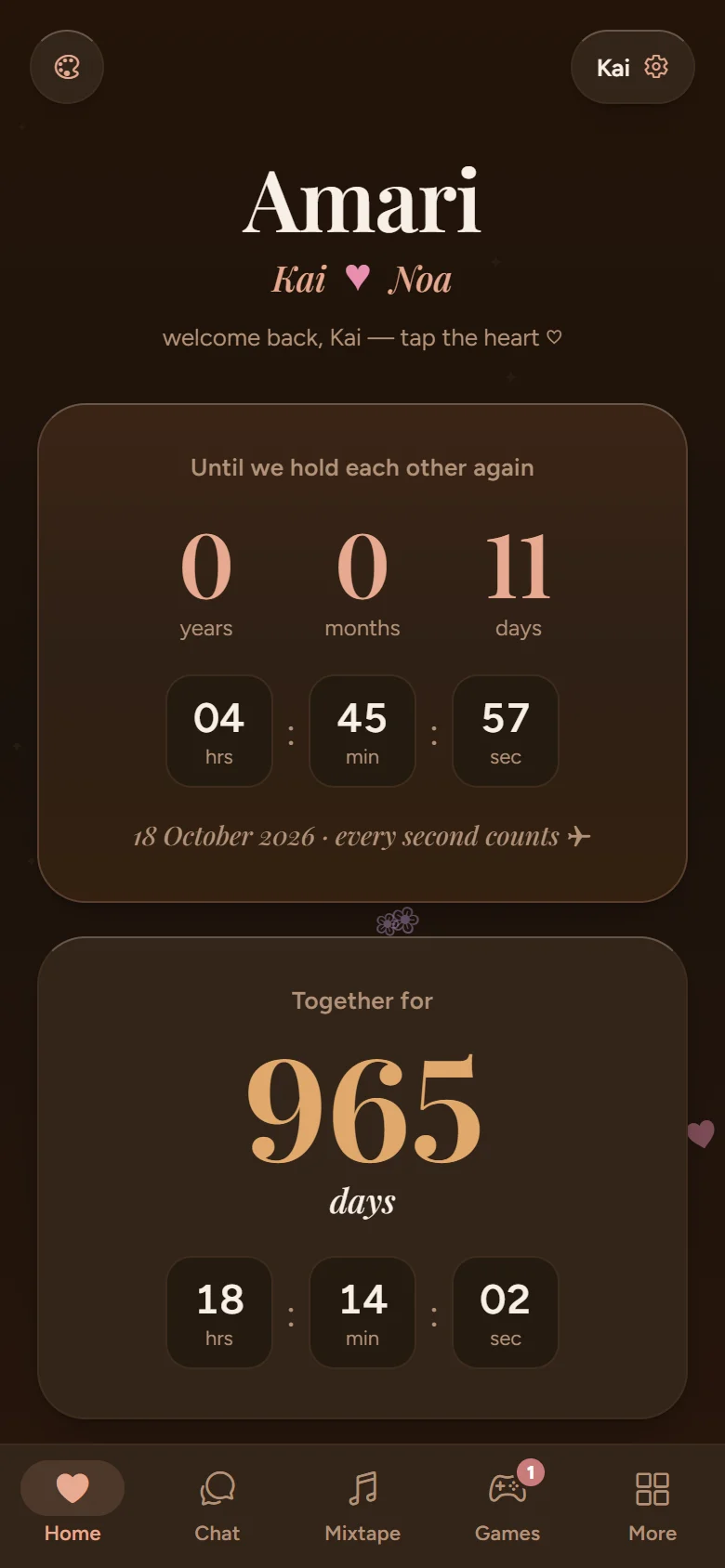
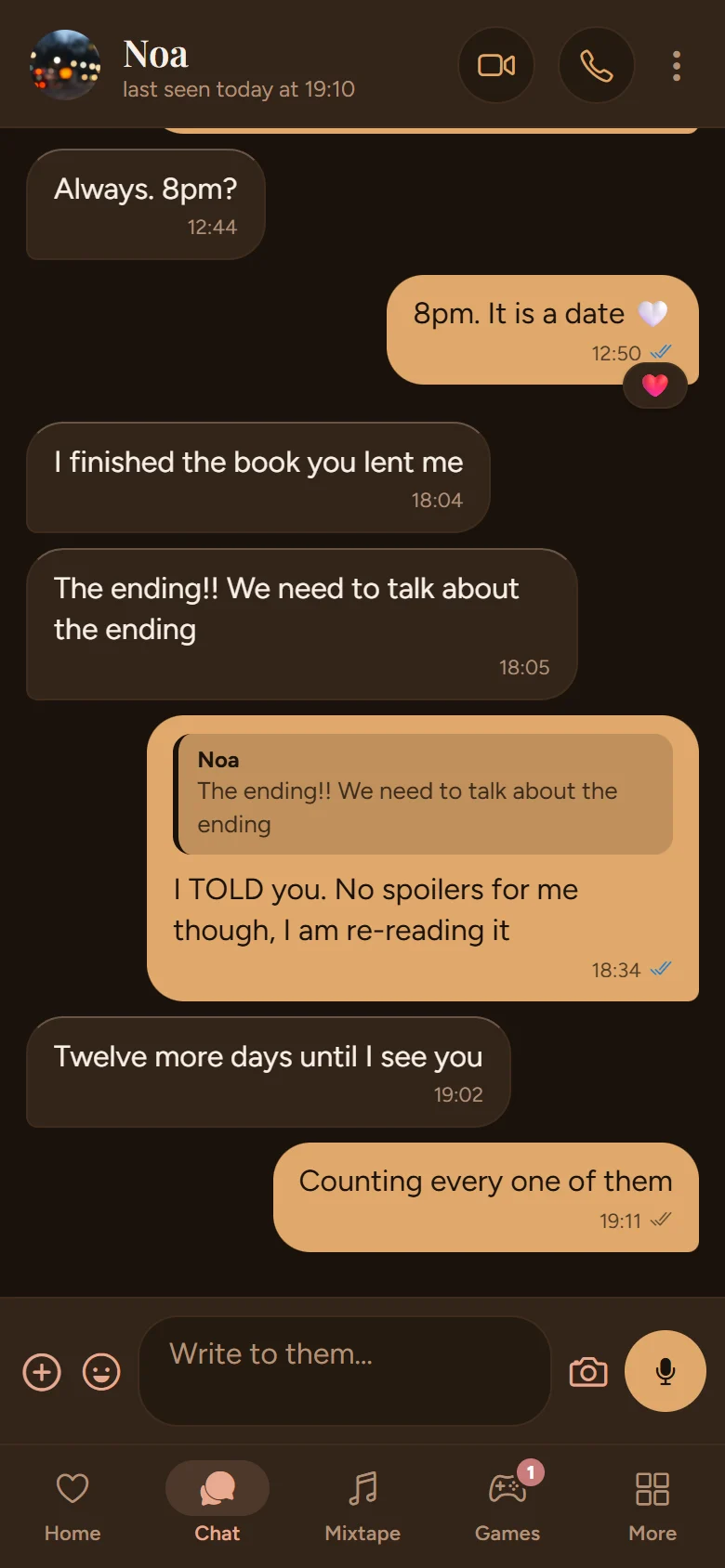
Everything two people share.
Real screens from the app, shown with a sample couple.
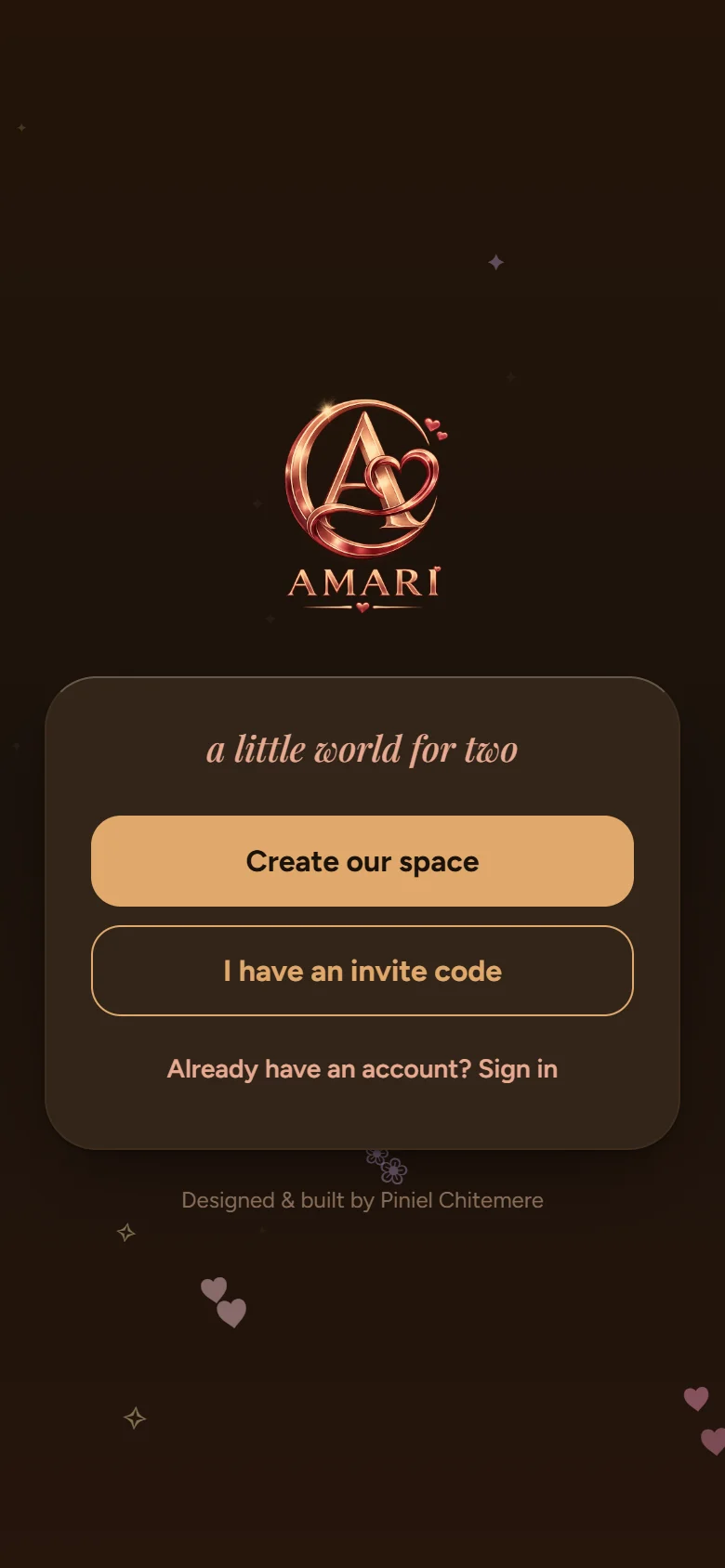
The way in: start a space, or join with your person’s invite code.
Home counts down to the next hug, and up from the day it began.
Chat with replies, reactions and read receipts.
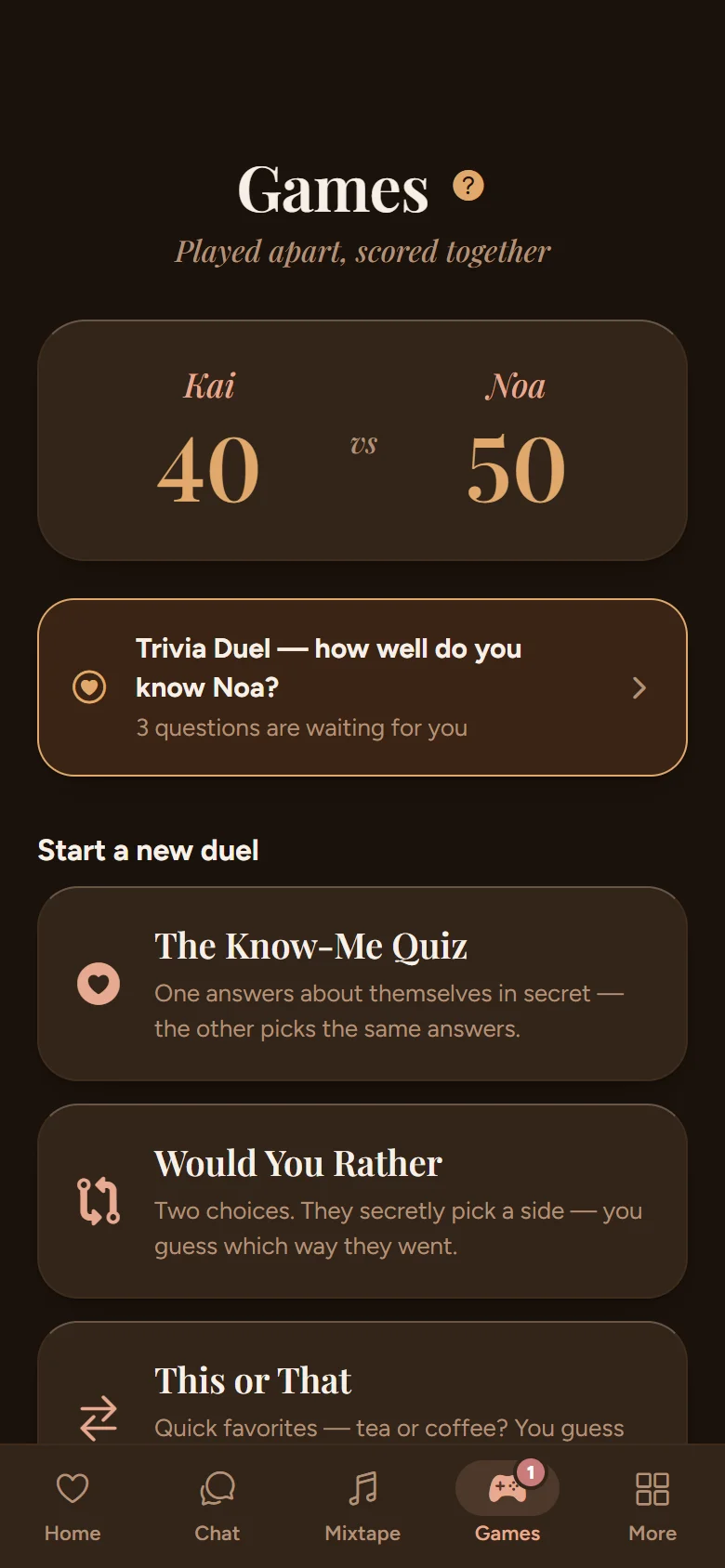
Duels played apart, with a running score.
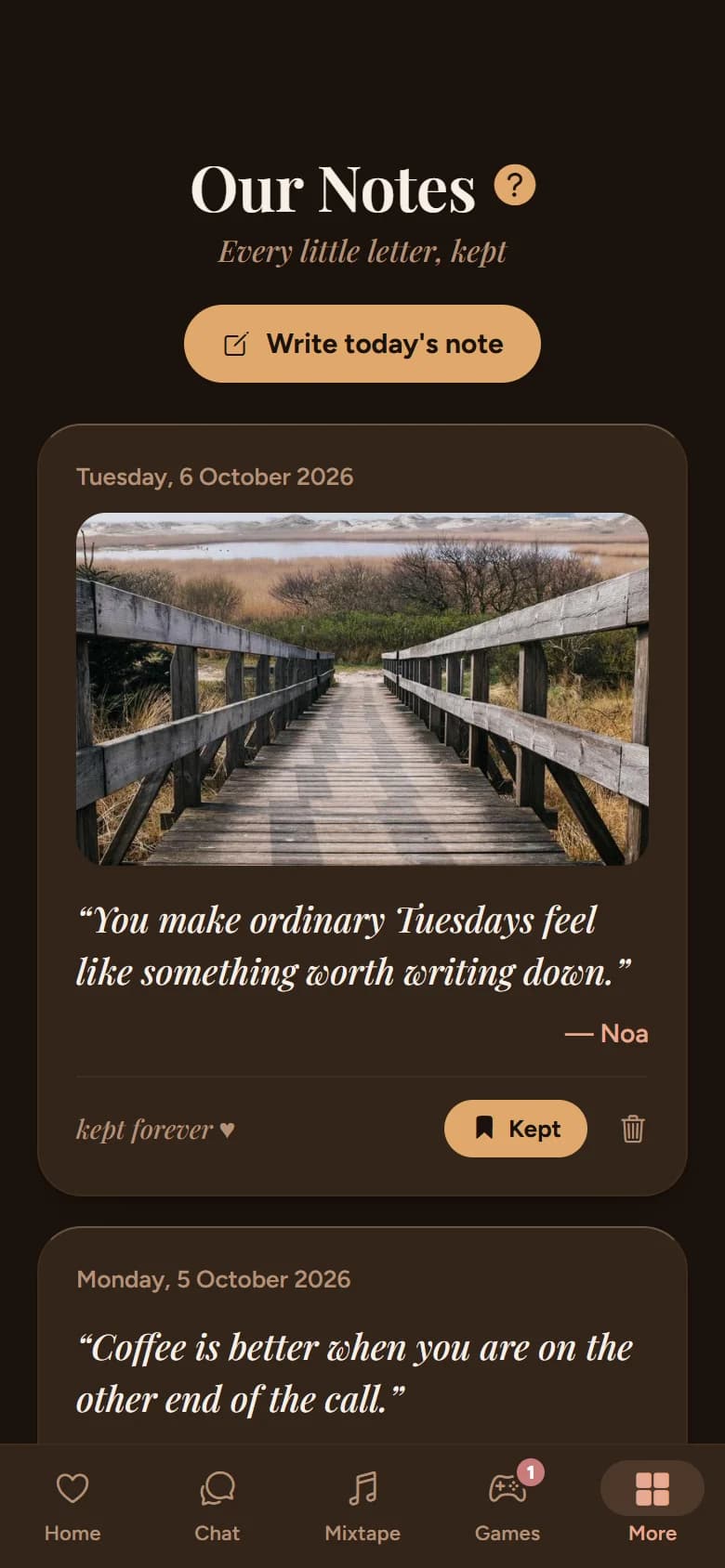
Daily notes fade after five days unless one of you keeps them.

The mixtape, track by track.
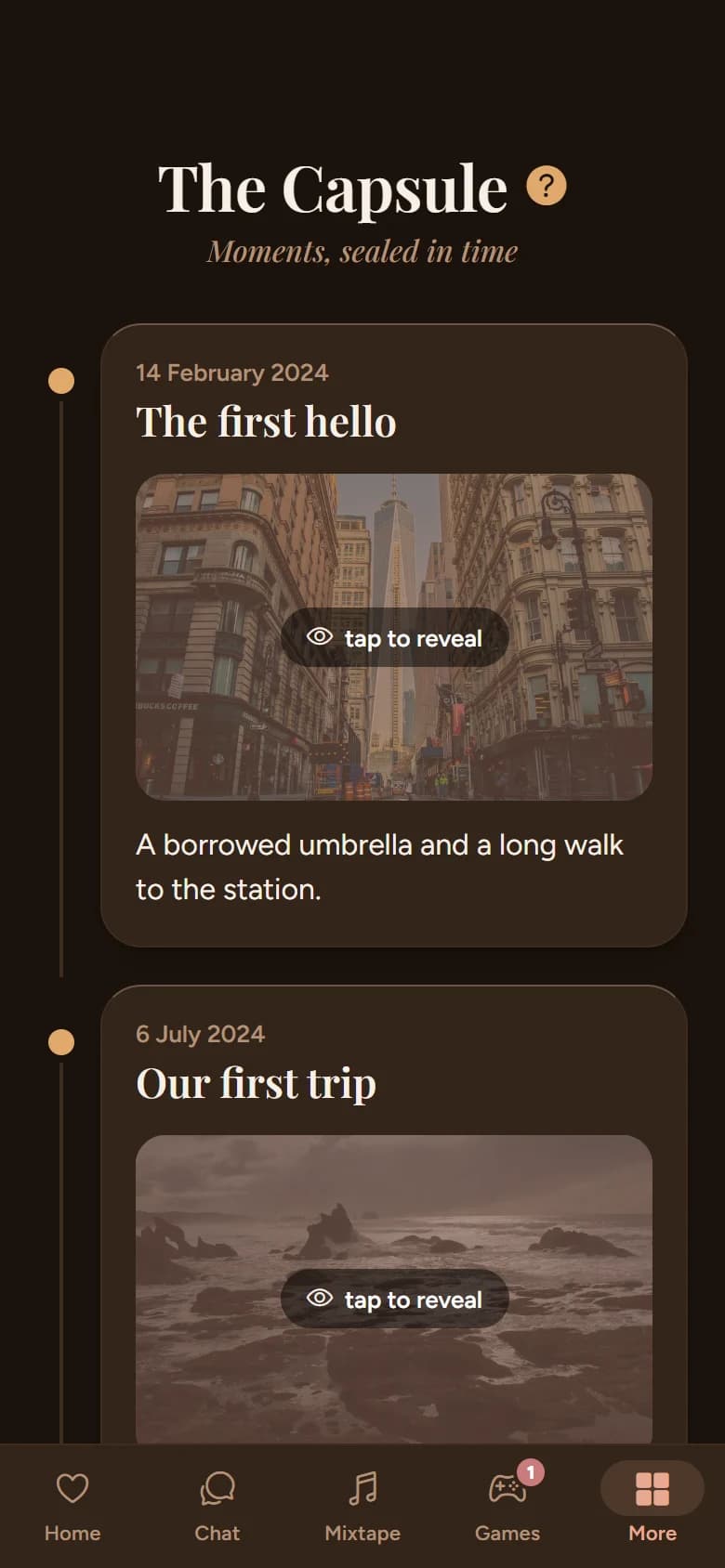
The Capsule keeps your story in order.
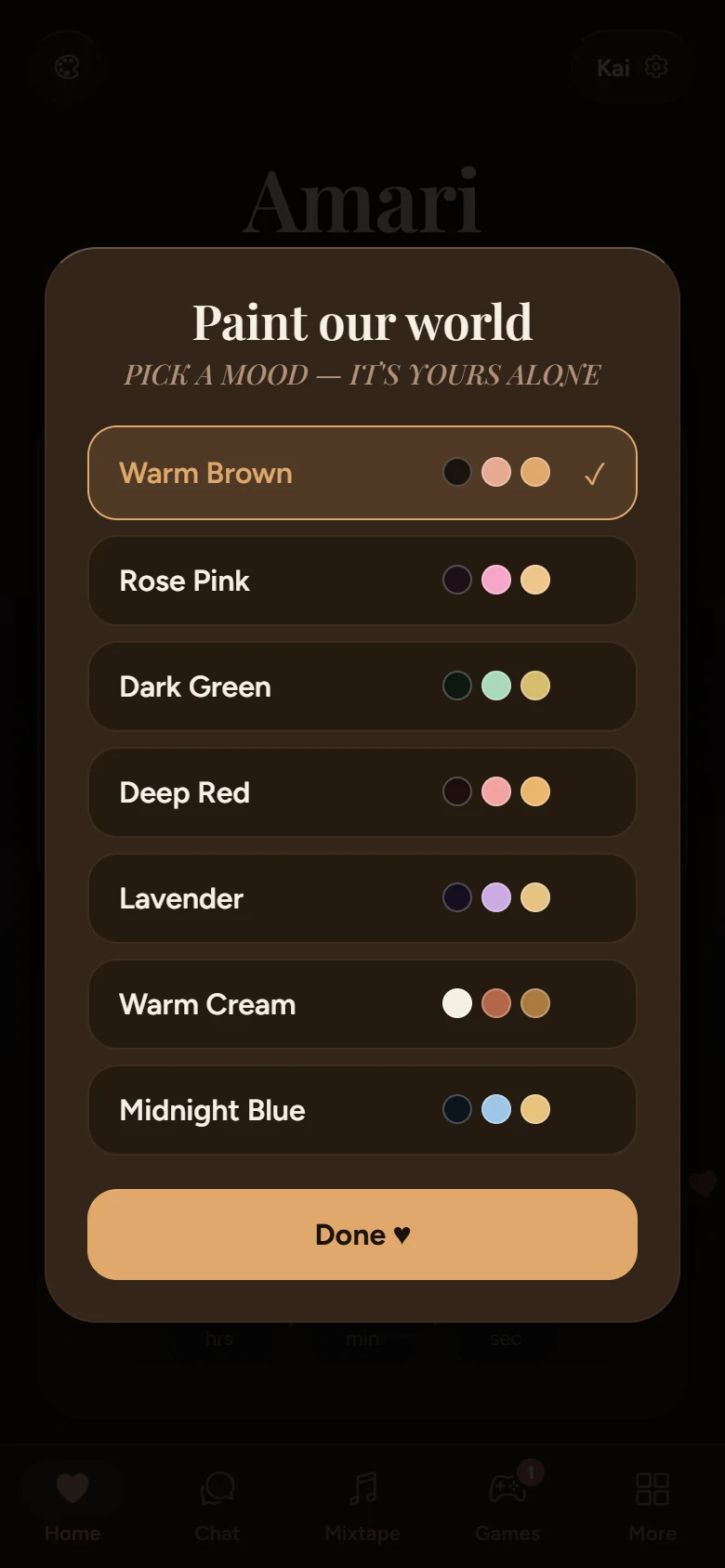
Seven colour themes, each partner’s own pick.
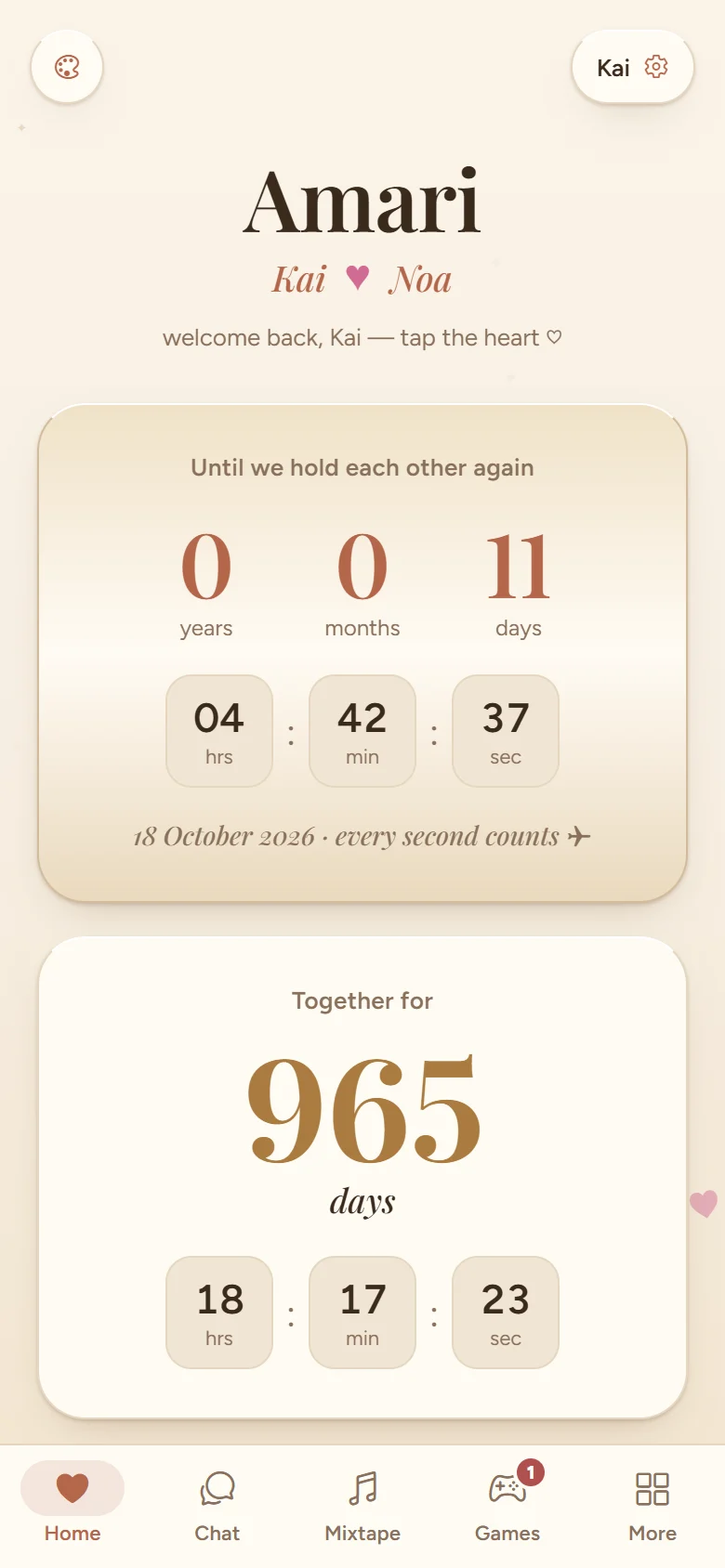
Warm Cream, the daytime theme.
Nobody outside your space can see in.
Realtime chat
Photos, voice notes, replies and reactions, with sent, delivered and read ticks.
Voice and video calls
One private room for the two of you, and the right phone rings even with the app closed.
Letters that arrive later
A daily note on the Home screen, and messages written now to land on the day you choose.
Games played apart
Know-me quizzes and trivia duels: one answers, the other guesses, scored together.
A shared mixtape
Songs that sound like you, each with liner notes from whoever added it.
The Capsule
Your moments on a timeline, with future dates sealed until the day comes.
Installing Amari.
Get it on your phone
On a computer, scan the code with your phone’s camera and the Amari download starts there. Already on your phone? Tap the button.
Download
Get the APK on your phone and open it.
Allow
Android warns about apps from outside the Play Store, because this one is not on it. Choose Install anyway.
Create or join
Start your own space, or enter the invite code your person sent you.
Ring
Calls and notifications need Google Play services, the same as any Android app that rings.
- Version
- 1.4.2
- Download
- 47 MB
- Android
- 8 and up, plus the web
- Price
- Free
On iPhone: No iOS build yet. The web app at app.amari.chitemere.co.zw works on any phone in the meantime. Every release is on GitHub.
Build your own little world.
It is free. Create your space, then send the invite code to the one person who gets to see inside it.